
CloudBeds Support Article
Tax Report
GENERAL INFO
- Licensing Model: Per property, based on the number of rooms.
- Access: The interface is available to hotels with access to the Cloudbeds Marketplace.
- Credentials: MECX-TECH will provide the necessary credentials to access the portal.
INTERFACE INFORMATION
Please follow the procedure below to generate the Tax Report:
1. Log in to https://reports.mecx-tech.com.
2. Select “Tax Report” from the left menu.
3. Select the desired hotel and date rang, then click “Apply Filter.”
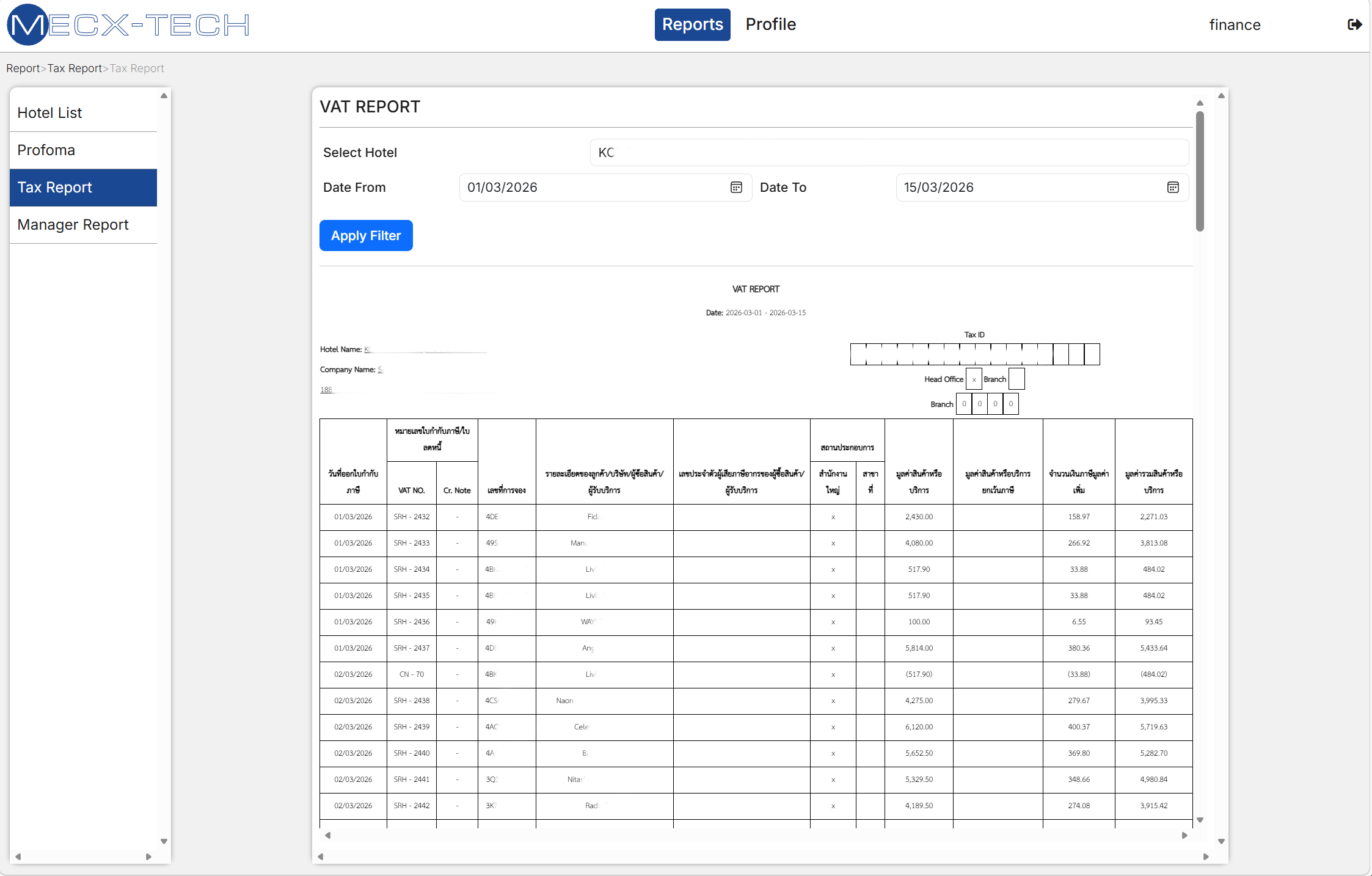
Please be advised that accessing https://reports.mecx-tech.com/ requires login credentials. We will provide these credentials to you once the application has been successfully connected. Upon logging in, the hotel will need to update the profile information that will be displayed within the reports.
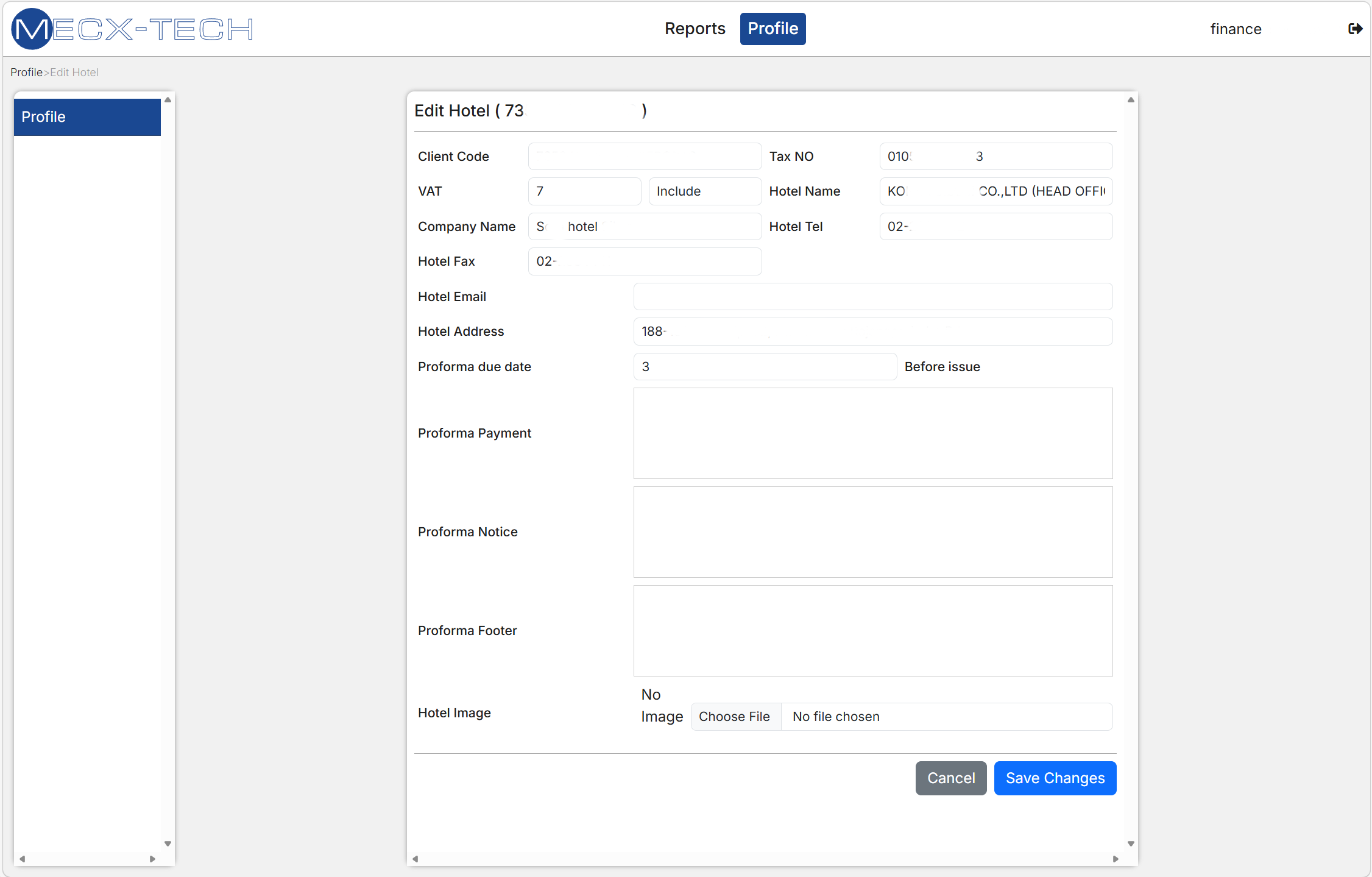
Once you are ready to move forward with implementation, Our Customer Services team will perform initial installation together with hotel’s IT team or any other person in charge of IT systems.
Procedure for connecting hotel interface for the first time:
- Login to your [Cloudbeds Account] and select the ‘Account’ icon in the top right corner.
- Scroll down and click on ‘Apps & Marketplace’.
- Search for Tax Report
- Click ‘Learn More’ and, then, Connect APP
- Accept the permissions and you’ll be redirected to a confirmation page.
- The integration will be activated once the application has been successfully connected. For further information or technical support, please contact the MECX-TECH support team at [email protected].
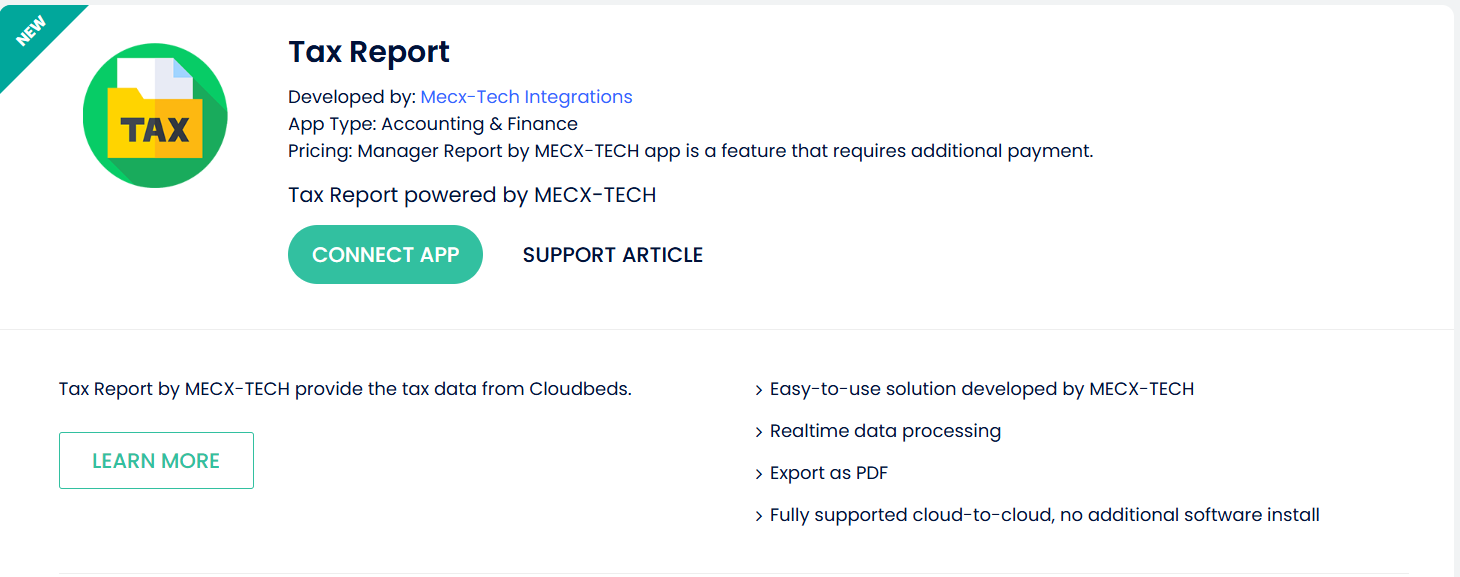
Please be advised that no further configuration is required within Cloudbeds at this time. We will provide the necessary credentials to you once the application has been successfully connected.
To disconnect the interface, it is necessary to follow the standard procedure of disconnecting an app in Cloudbeds PMS.
Click on this [here link] for more information about the disconnection process.
We provides remote support to hotels using various remote connection tools. To contact MECX-TECH Customer Services Team send an email to [[email protected]].
FAQs
If the property does not fill in any of the required fields on the guest profile, they will need to add these details in XLS file manually
- MECX-TECH does not store any details and only transfers data from personal and travel documents into CloudBeds. There are various data protection features that allow hotels to comply with different data privacy laws and regulations.
We provide remote support to hotels using various remote connection tools. To contact MECX-TECH Customer Services Team send an email to [[email protected]]